
 By
By 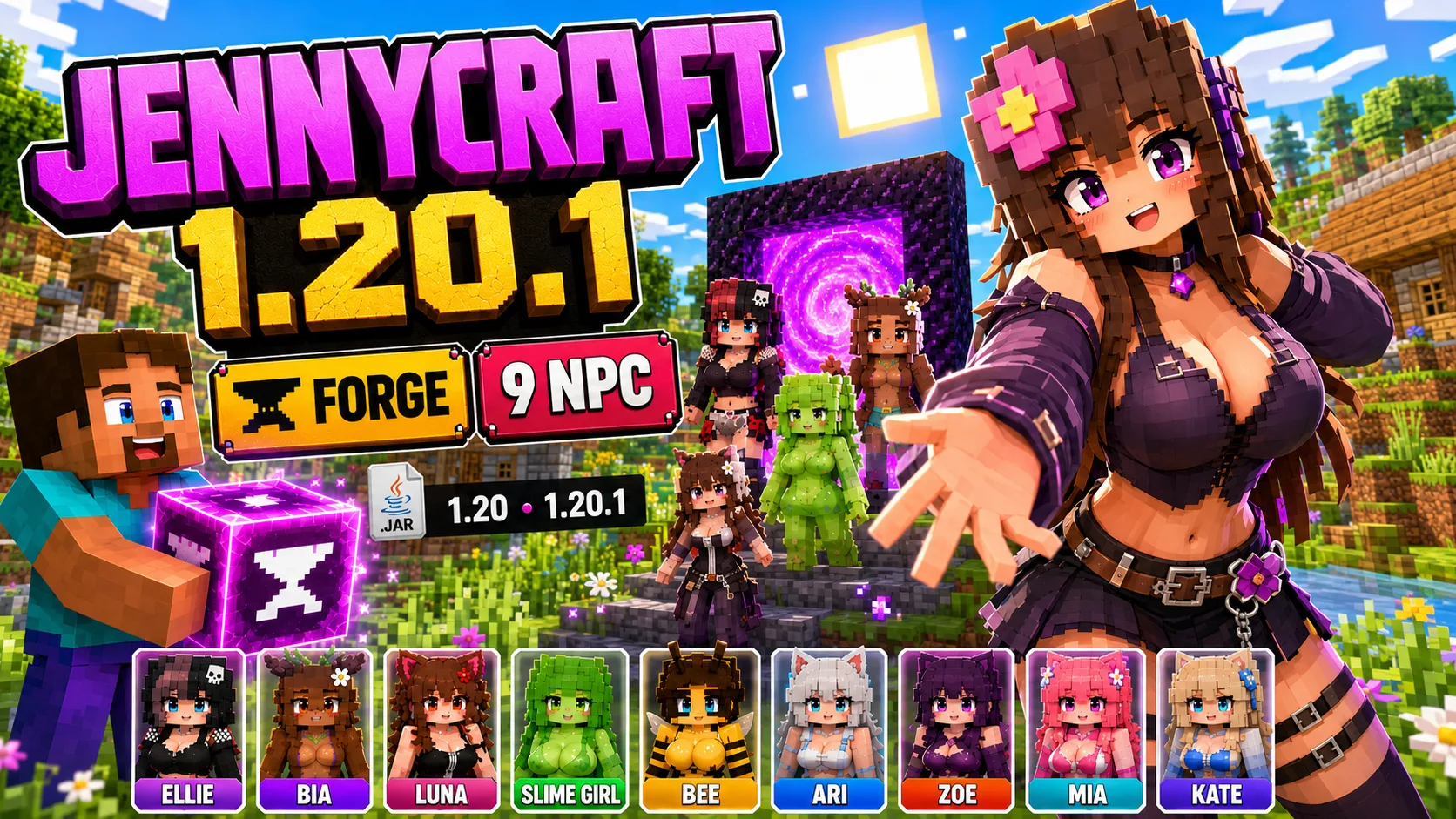
Jennycraft Mod 1.20.1 for Minecraft
Jennycraft Mod 1.20.1 is a Java Edition build for players who want a newer Minecraft version than the legacy Jenny Mod Forge 1.12.2 downloads. This page is focused on the Forge version for Minecraft 1.20.1 and 1.20, with requirements, install steps, compatibility notes, and usage help.
Use this page only for Minecraft Java Edition. Java mods use .jar files and must be installed with the correct loader profile. Do not use Minecraft PE .mcaddon files on this page, and do not place Java .jar files into Bedrock Edition.
Related Java Downloads and Guides
What is Jennycraft Mod?
Jennycraft is a newer Java build connected with the Jenny Mod search intent for Minecraft 1.20.1. It should be treated as a separate modern Forge build, not as the same file as the legacy 1.12.2 downloads on the main Jenny Mod Java hub.
Some listings for Jennycraft also require matching resource packs. If your download package includes a Jennycraft Resource Pack or a Jenny Mod Skins Resource Pack, install those packs together with the mod and keep their versions matched with Minecraft 1.20.1 or 1.20.
Jennycraft Mod Features
- Modern Jenny-related Java build for Minecraft 1.20.1 and 1.20.
- Forge-based installation flow using a .jar file.
- Separate setup from legacy Minecraft 1.12.2 Forge downloads.
- May require companion resource packs for the correct character appearance.
- Works best in a clean Minecraft profile dedicated to this build.
- Designed for players who want a newer Java version in the Jenny Mod chain.
Version and Compatibility
| Item | Value |
|---|---|
| Minecraft versions | 1.20.1, 1.20 |
| Loader | Forge |
| File type | .jar |
| Status | Untested until checked on Jennyhub |
Do not install this build in a Forge 1.12.2 profile. Do not install it in a Fabric or NeoForge profile unless a specific file says it supports that loader.
Requirements
- Minecraft Java Edition with the matching Minecraft version.
- Minecraft Forge for Minecraft 1.20.1 or 1.20.
- Jennycraft Resource Pack if your selected download requires it.
- Jenny Mod Skins Resource Pack if your selected download requires it.
- A clean mods folder without conflicting older Jenny-related files.
How to Install Jennycraft Mod
- Install Minecraft Forge for the same Minecraft version as the Jennycraft file.
- Launch Minecraft once with the Forge profile.
- Open your Minecraft folder and find the mods folder.
- Move the Jennycraft .jar file into the mods folder.
- If resource packs are included, place them in the resourcepacks folder.
- Enable the matching resource pack from the Minecraft resource packs menu.
- Launch the Forge profile and test the mod in a new world.
How to Use Jennycraft Mod
After the game loads, create a test world first. Check the creative inventory, modded tabs, spawn options, structures, or items added by the selected Jennycraft build. The exact gameplay depends on the file version and companion packs.
If characters, textures, or models look wrong, check whether the required resource pack is installed and enabled. If Minecraft crashes before loading, compare your Forge version, Minecraft version, and installed dependencies with the requirements above.
Common Problems
- Textures are missing: enable the matching Jennycraft resource pack.
- Game crashes: check Forge version and remove incompatible 1.12.2 files.
- Mod does not appear: make sure the .jar file is inside the mods folder for the active Forge profile.
- Wrong version: use only the file made for Minecraft 1.20.1 or 1.20.
Frequently Asked Questions
Is Jennycraft the same as the legacy Jenny Mod 1.12.2?
No. Treat Jennycraft as a newer Java build for Minecraft 1.20.1 or 1.20. Keep it separate from 1.12.2 Forge files.
Does Jennycraft need Forge?
Yes, this page targets the Forge build. Use the Forge version that matches your Minecraft version.
Why do I need resource packs?
Some Jennycraft downloads use companion resource packs for skins, models, or visuals. If the pack is required, install and enable it.
Can I install Jennycraft with Fabric?
Not unless the selected file clearly says it is a Fabric build. Use the loader listed on the mod page.
Next Step
After installing Jennycraft, read the How to Use Jenny Mod guide and compare your setup with the Jenny Mod Java requirements guide.