
 By
By 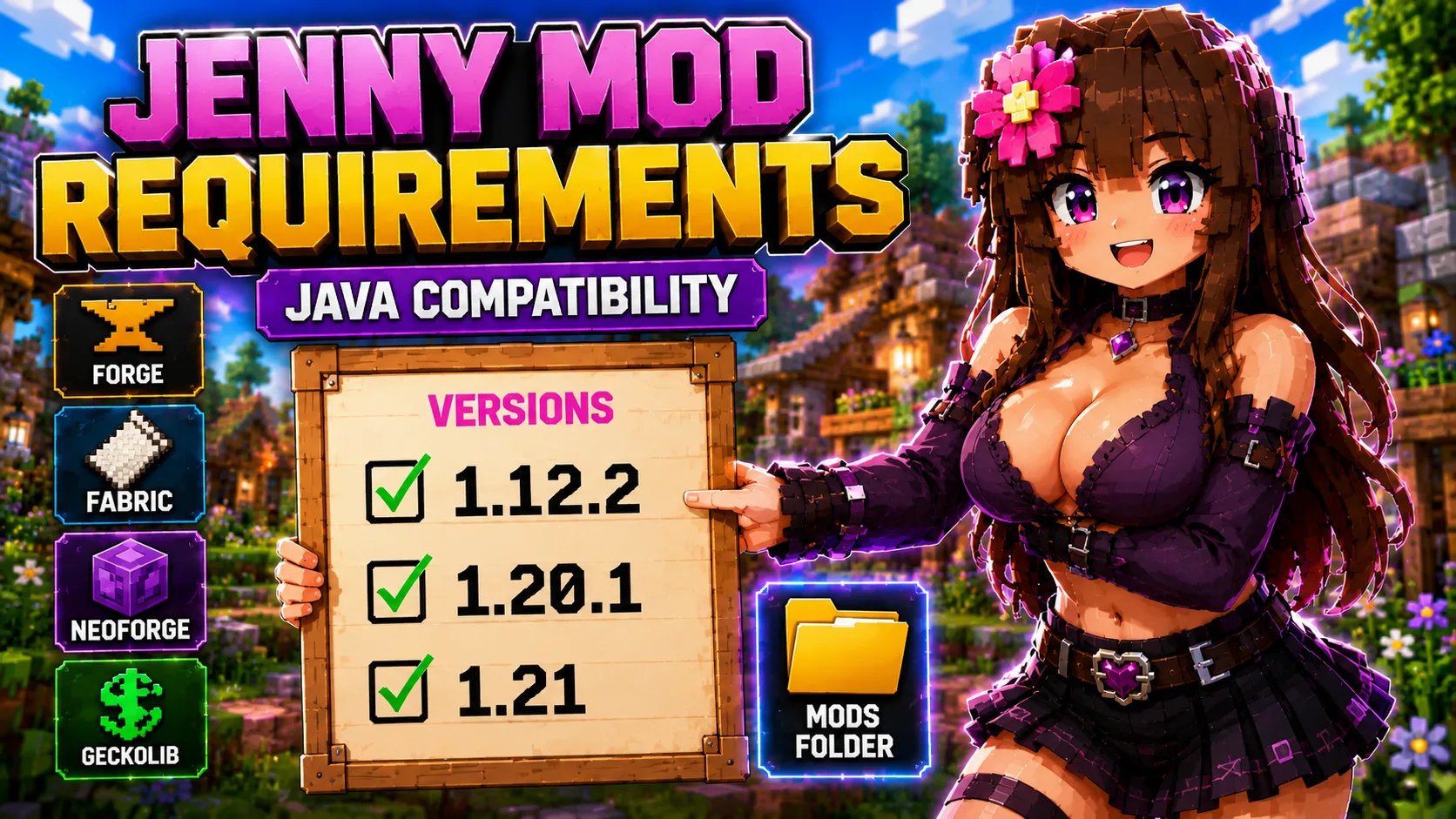
Jenny Mod Java Requirements and Compatibility
This guide explains the Minecraft versions, loaders, and dependencies used by Jenny Mod Java downloads and related builds. Use it before installing a file, because most problems come from mixing the wrong Minecraft version, loader, or dependency.
The main Jenny Mod Java hub currently provides direct legacy Forge downloads for Minecraft 1.12.2. Newer related builds such as Jennycraft, BangCraft, and PleasureCraft should be handled as separate Java pages because they use different versions and requirements.
Related Guides
Compatibility Table
| Build or mod | Minecraft version | Loader | Known requirements | Jennyhub status |
|---|---|---|---|---|
| Jenny Mod Forge | 1.12.2 | Forge | Forge 1.12.2. Some legacy builds may need matching old dependencies. | Direct download on /jenny-mod/ |
| Trolmastercard Jenny Mod Forge | 1.12.2 | Forge | Forge 1.12.2. Keep it separate from other Jenny builds unless tested. | Direct download on /jenny-mod/ |
| Jennycraft Mod | 1.20.1 / 1.20 | Forge | Forge build; resource packs or extra files may be required by the release. | Planned Java child page |
| BangCraft Mod | 1.20.1 / 1.20 | Forge | Forge build; GeckoLib is commonly listed as a required dependency. | Planned Java child page |
| PleasureCraft Mod | 1.21.x | Fabric | Fabric build; may require GeckoLib, Cloth Config API, Mod Menu, or Smart Brain Lib depending on release. | Planned Java child page |
What Each Requirement Means
Minecraft Version
The Minecraft version is the first thing to check. A file made for 1.12.2 should not be installed into a 1.20.1 or 1.21 profile. If the version is wrong, the loader may reject the file or Minecraft may crash.
Loader
Forge, Fabric, and NeoForge are different loaders. They are not interchangeable. A Fabric-only build should use Fabric. A Forge-only build should use Forge. A NeoForge build should use NeoForge.
Dependencies
Some Java mods need extra library mods. GeckoLib is a common animation and rendering library for Minecraft mods. If a dependency is required, place its .jar file in the same mods folder as the main mod.
Recommended Setup by Version
| Target build | Recommended setup | Reason |
|---|---|---|
| Legacy Jenny Mod 1.12.2 | Separate Forge 1.12.2 profile | Prevents old files from mixing with modern Java builds. |
| Jennycraft or BangCraft 1.20.1 | Separate Forge 1.20.1 profile | Keeps modern Forge dependencies isolated. |
| PleasureCraft 1.21.x | Separate Fabric 1.21.x profile | Fabric builds need Fabric-compatible dependency files. |
Safe Compatibility Checklist
- The mod page and your Minecraft profile use the same Minecraft version.
- The loader matches the file: Forge, Fabric, or NeoForge.
- Required dependencies are installed in the same mods folder.
- The file is a Java .jar, not a Bedrock .mcaddon.
- You tested the mod in a new world before using an important save.
- You did not install duplicate Jenny-related builds at the same time.
Frequently Asked Questions
Are all Jenny Mod Java files compatible with each other?
No. Different builds may use different Minecraft versions, loaders, dependencies, and mechanics.
Is Forge required for every Jenny-related Java mod?
No. The current legacy 1.12.2 downloads use Forge, but newer builds may use Fabric or other loader setups.
What is GeckoLib?
GeckoLib is a common animation and rendering library used by many Minecraft mods. Install it only when the selected mod page lists it as required.
Why does Minecraft crash after adding the mod?
The usual cause is a version mismatch, wrong loader, missing dependency, or another incompatible mod in the same profile.
Next Step
If you know which loader you need, continue with the Forge guide, Fabric guide, or NeoForge guide.