
 By
By 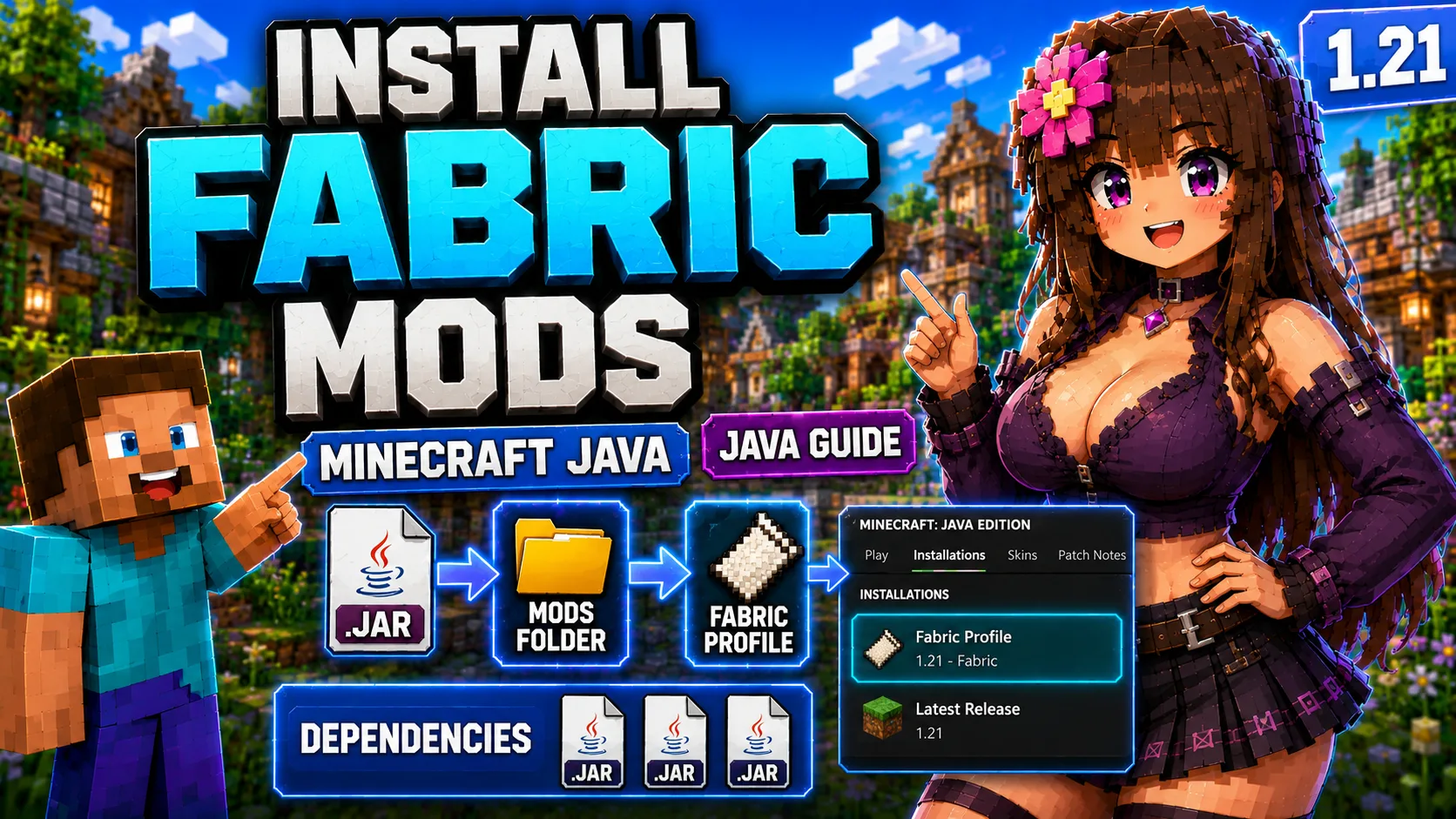
How to Install Fabric Mods in Minecraft Java
Fabric is a lightweight Minecraft Java mod loader used by many modern builds. Some Jenny-related remakes and future Java pages may use Fabric instead of Forge, so this guide explains the basic Fabric installation flow.
A Fabric mod needs the correct Minecraft version, the Fabric Loader, and any required dependencies. Many Fabric mods also require Fabric API, but always follow the exact requirement list on the selected mod page.
Related Guides
What You Need
- Minecraft Java Edition.
- Fabric Loader for the Minecraft version required by the mod.
- The mod .jar file.
- Required dependencies such as Fabric API, GeckoLib, or other libraries when listed.
- A separate profile for Fabric builds.
Fabric Installation Steps
- Open the official Fabric installer page.
- Download and run the Fabric installer.
- Select the Minecraft version required by your mod.
- Install the client profile.
- Open the Minecraft Launcher and choose the Fabric profile.
- Launch Minecraft once, then close it.
- Place the Fabric mod .jar and dependencies into the mods folder.
- Launch Minecraft with the Fabric profile.
Fabric Mods Folder
| System | Common mods folder path |
|---|---|
| Windows | %APPDATA%/.minecraft/mods |
| macOS | ~/Library/Application Support/minecraft/mods |
| Linux | ~/.minecraft/mods |
Using Fabric with Jenny-Related Mods
The main Jenny Mod Java hub currently provides direct Forge 1.12.2 downloads. Fabric is mainly relevant for modern related builds such as PleasureCraft-style pages when they are added to Jennyhub.
Do not put old Forge 1.12.2 files into a Fabric profile. Fabric can only load Fabric-compatible mods and Fabric-compatible dependencies.
Common Fabric Problems
- Fabric profile missing: run the Fabric installer again and select the correct Minecraft version.
- Mod crashes on startup: check for missing Fabric API or other dependencies.
- Wrong loader: a Forge mod will not become a Fabric mod by renaming the file.
- Wrong Minecraft version: download the mod file made for your exact Fabric Minecraft version.
Frequently Asked Questions
Do all Fabric mods need Fabric API?
Not all, but many do. Install Fabric API only when the mod page or dependency list requires it.
Can I use Jenny Mod Forge 1.12.2 on Fabric?
No. Forge 1.12.2 files should stay in a Forge 1.12.2 profile.
Is Fabric the same as NeoForge?
No. Fabric and NeoForge are different loaders with different mod files and dependency versions.
Where should I install Fabric dependencies?
Place dependency .jar files in the same mods folder as the main Fabric mod.
Next Step
After Fabric is installed, check the Jenny Mod Java requirements guide to confirm which modern builds actually use Fabric.