
 By
By 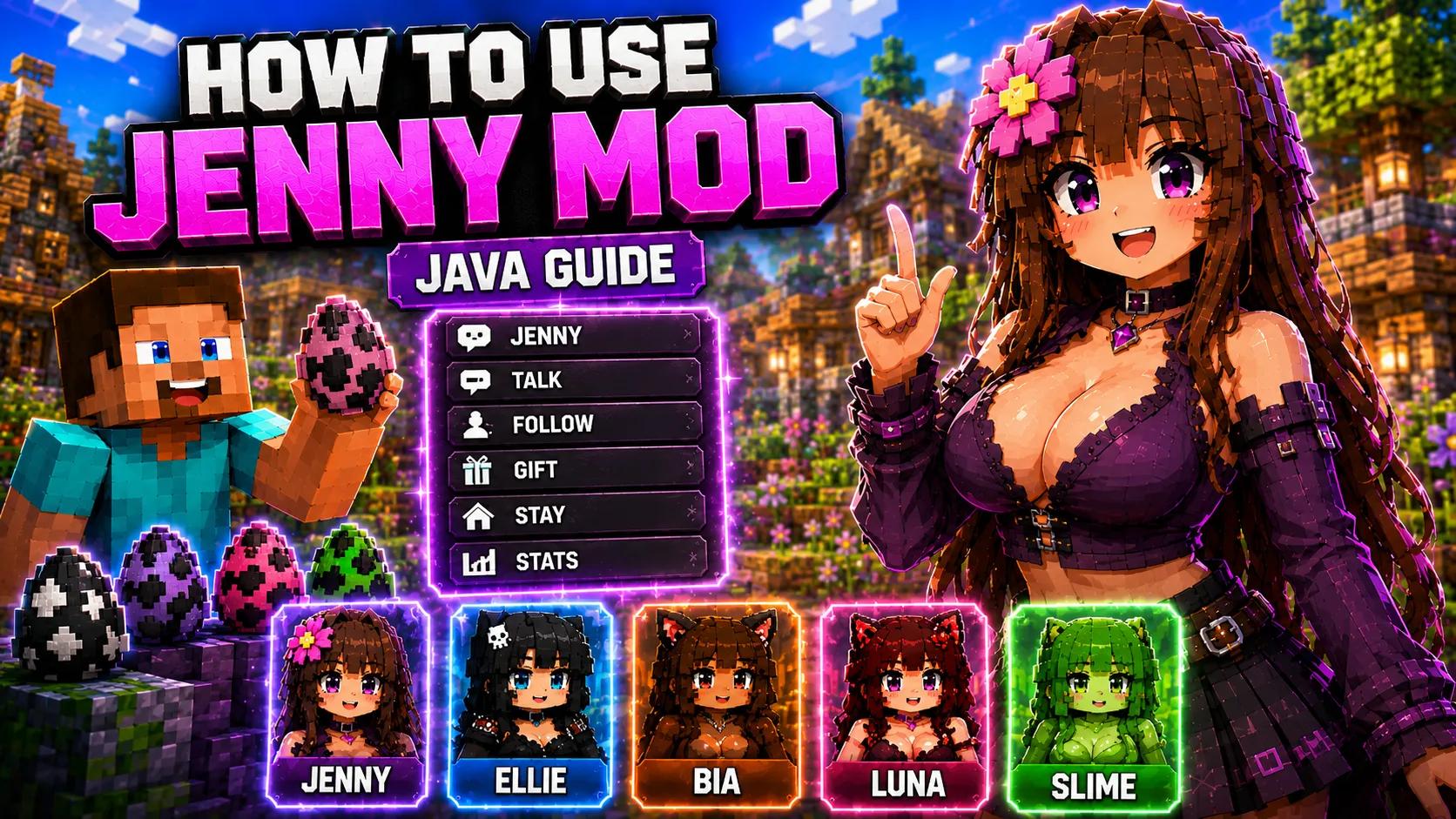
How to Use Jenny Mod After Installation
This guide explains what to check after installing Jenny Mod Java or a related Jenny-style build. The exact gameplay depends on the selected mod, so this page focuses on universal steps: confirming the mod loaded, opening a test world, finding characters, checking spawn options, and troubleshooting missing interactions.
For installation help, start with How to Install Jenny Mod Java. For version and dependency checks, use the requirements guide.
Related Guides
First Launch Checklist
- Launch Minecraft using the correct Forge, Fabric, or NeoForge profile.
- Open the Mods menu or mod list if your loader provides one.
- Confirm the Jenny-related mod appears in the list.
- Create a new creative test world before using an important save.
- Check creative inventory, spawn eggs, commands, structures, or items listed on the mod page.
Finding Characters and Items
Different Java builds may expose characters in different ways. Some use spawn eggs, some add items, and some use world behavior or structures. Do not assume that every Jenny-related build works exactly like the legacy Forge 1.12.2 version.
- Search the creative inventory for mod items or spawn eggs.
- Check whether the mod page mentions dependencies or resource packs.
- Look for character names such as Jenny, Ellie, Bia, Luna, Slime, Bee, Allie, Kobold, or Goblin depending on the build.
- If nothing appears, check the version, loader, and dependency setup.
Using Interaction Menus
Some Jenny-related builds include interaction menus or character actions. These menus are mod-specific. If a menu does not open, first confirm that the character spawned correctly and that all dependencies are installed.
Try a clean creative world first. Remove other mods if the character exists but menus or items do not work. Conflicts are easier to find in a small test profile than in a large modpack.
What to Do if Characters Do Not Appear
| Problem | Likely cause | Fix |
|---|---|---|
| Mod is not in the mods list | Wrong folder or wrong loader profile | Move the .jar to the correct mods folder and launch the matching profile. |
| Game crashes on startup | Version mismatch or missing dependency | Check the requirements page and install the required dependency versions. |
| Characters spawn but look broken | Missing resource pack or incompatible build | Install required packs or use the exact mod version listed on the page. |
| Interaction menu does not open | Mod-specific mechanic or conflict | Read the specific mod page and test in a clean profile. |
Safe Gameplay Tips
- Use a separate Minecraft profile for Jenny-related mods.
- Start with one mod at a time.
- Back up worlds before testing new files.
- Do not mix old Forge 1.12.2 files with modern Fabric or NeoForge builds.
- Keep dependency files updated for the exact Minecraft version you are using.
Frequently Asked Questions
Why do I not see any Jenny Mod items?
The mod may be in the wrong folder, the wrong loader profile may be selected, or a required dependency may be missing.
Do all Jenny-related Java mods use the same controls?
No. Jenny Mod Forge, Jennycraft, BangCraft and PleasureCraft may use different items, menus, characters and interaction systems.
Can I test Jenny Mod in an existing survival world?
A new creative test world is safer. After confirming the mod works, you can decide whether to use it in another save.
Why do characters look different from screenshots?
Different builds, resource packs, shaders and Minecraft versions can change the way characters appear.
Next Step
If the mod does not load, go back to the requirements guide. If installation is the issue, use the Java installation guide.