
 By
By 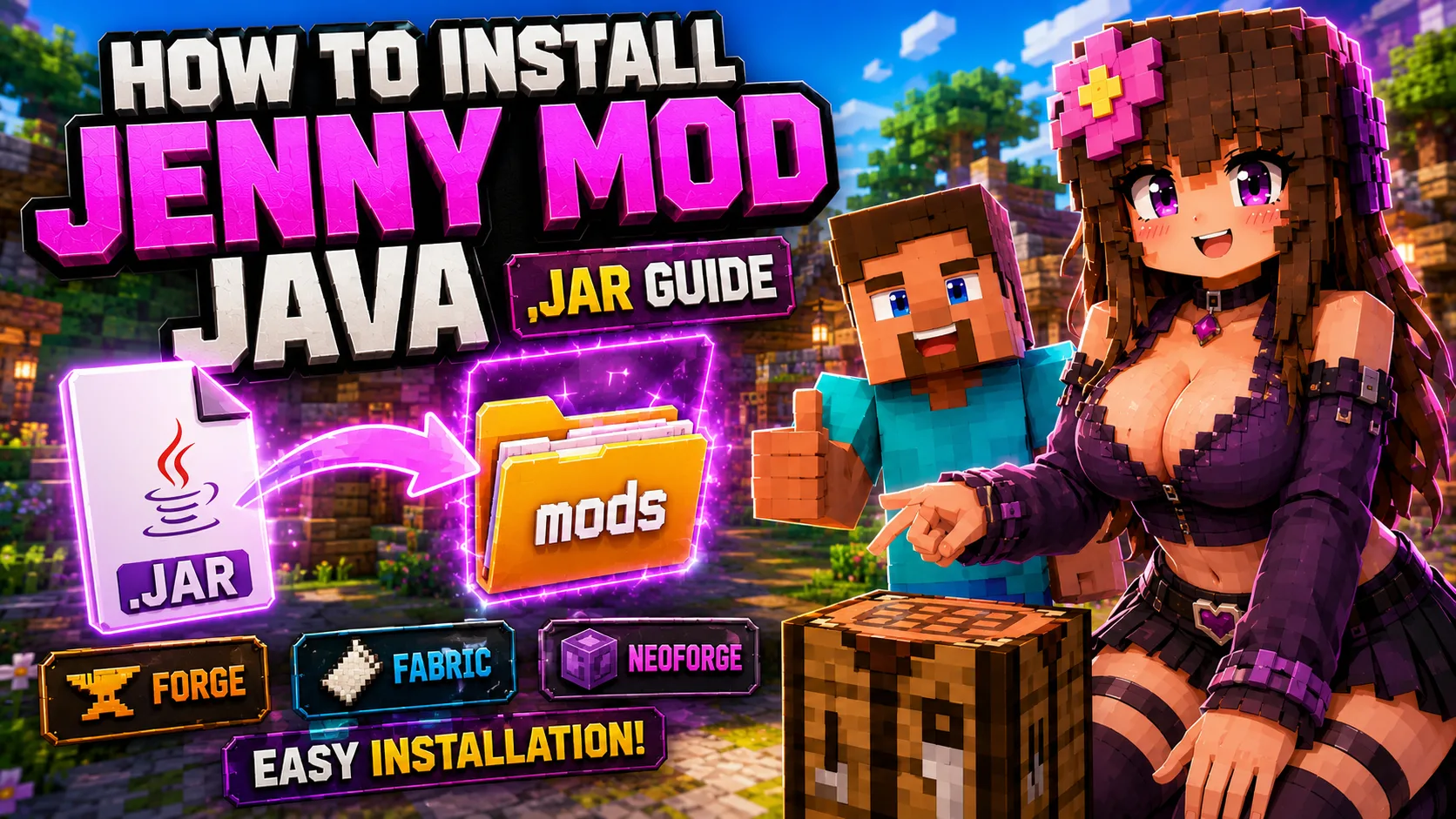
How to Install Jenny Mod on Minecraft Java
This guide explains how to install Jenny Mod on Minecraft Java Edition using the correct .jar file, Minecraft version, loader, dependency files, and mods folder. It is written for players using the Java downloads on Jennyhub.
Java installation is different from Minecraft PE and Bedrock. Java mods use .jar files. Minecraft PE addons usually use .mcaddon files. Do not put a PE addon into a Java mods folder, and do not put a Java .jar file into Minecraft Bedrock.
Related Guides
Before You Start
Before downloading any file, check the exact mod page. The Minecraft version, loader, and dependencies must match. A Forge 1.12.2 file belongs in a Forge 1.12.2 setup. A Fabric 1.21 file belongs in a Fabric 1.21 setup. A NeoForge file needs a NeoForge profile.
- Use Minecraft Java Edition.
- Check whether the mod needs Forge, Fabric, or NeoForge.
- Use the exact Minecraft version listed on the download page.
- Install all required dependency .jar files before launching.
- Keep old Forge 1.12.2 files separate from modern 1.20.1 or 1.21 builds.
- Back up your worlds before testing a new modded setup.
Quick Install Steps
- Open the Jenny Mod Java download hub.
- Choose the Java build that matches your Minecraft version.
- Install the required loader: Forge, Fabric, or NeoForge.
- Launch Minecraft once with that loader profile so the folders are created.
- Open the Minecraft folder and find or create the mods folder.
- Move the Jenny Mod .jar file into the mods folder.
- Add every required dependency .jar to the same folder.
- Launch Minecraft using the matching modded profile.
Installing the Current 1.12.2 Forge Downloads
The main Jennyhub Java page currently provides direct legacy downloads for Minecraft 1.12.2 Forge. Install these files only in a clean Forge 1.12.2 profile.
| File | Minecraft | Loader | Install note |
|---|---|---|---|
| Jenny-Mod-Forge-1.12.2-v1.9.0.jar | 1.12.2 | Forge | Place the file in the mods folder of a Forge 1.12.2 profile. |
| Trolmastercard-Jenny-Mod-Forge-1.12.2.jar | 1.12.2 | Forge | Use a separate test profile before mixing it with other Jenny-related builds. |
Where to Put the .jar File
The most common Minecraft Java mods folder paths are:
| System | Mods folder path |
|---|---|
| Windows | %APPDATA%/.minecraft/mods |
| macOS | ~/Library/Application Support/minecraft/mods |
| Linux | ~/.minecraft/mods |
If the folder does not exist, launch Minecraft once with the correct loader profile. You can also create a folder named mods inside the correct Minecraft directory.
Installing Newer Java Builds
Newer Jenny-related builds such as Jennycraft, BangCraft, and PleasureCraft should be installed from their own pages when they are added to Jennyhub. These builds may use Minecraft 1.20.1, 1.21, Forge, Fabric, or extra dependencies such as GeckoLib.
Do not rename files to force compatibility. If a mod is listed as Fabric-only, install it with Fabric. If a mod is listed as Forge-only, install it with Forge.
Common Installation Problems
- Minecraft crashes: check the Minecraft version, loader version, Java version, and missing dependencies.
- Mod does not appear: make sure the .jar is inside the mods folder for the profile you are launching.
- Wrong file type: Java Edition uses .jar files. Bedrock and PE use .mcaddon files.
- Dependency error: check the requirements guide and add the missing dependency.
- Characters do not spawn: read the How to Use Jenny Mod guide and check the exact mod page.
Frequently Asked Questions
Can I install Jenny Mod Java without Forge, Fabric, or NeoForge?
No. Minecraft Java mods need the loader required by the selected build. The exact loader is shown on the mod page.
Can I use the PE .mcaddon file on Java Edition?
No. Minecraft Java Edition uses .jar mod files. Minecraft PE and Bedrock use addon formats such as .mcaddon.
Should I install several Jenny-related Java builds at once?
Not at first. Test one build in a clean profile before adding other related mods, libraries, or resource packs.
What should I do if Minecraft crashes?
Remove the last added file, check the loader version, then compare the mod requirements with your Minecraft profile.
Next Step
After installation, open the How to Use Jenny Mod guide to learn how to check spawn options, characters, interaction menus, and common gameplay issues.