
 By
By 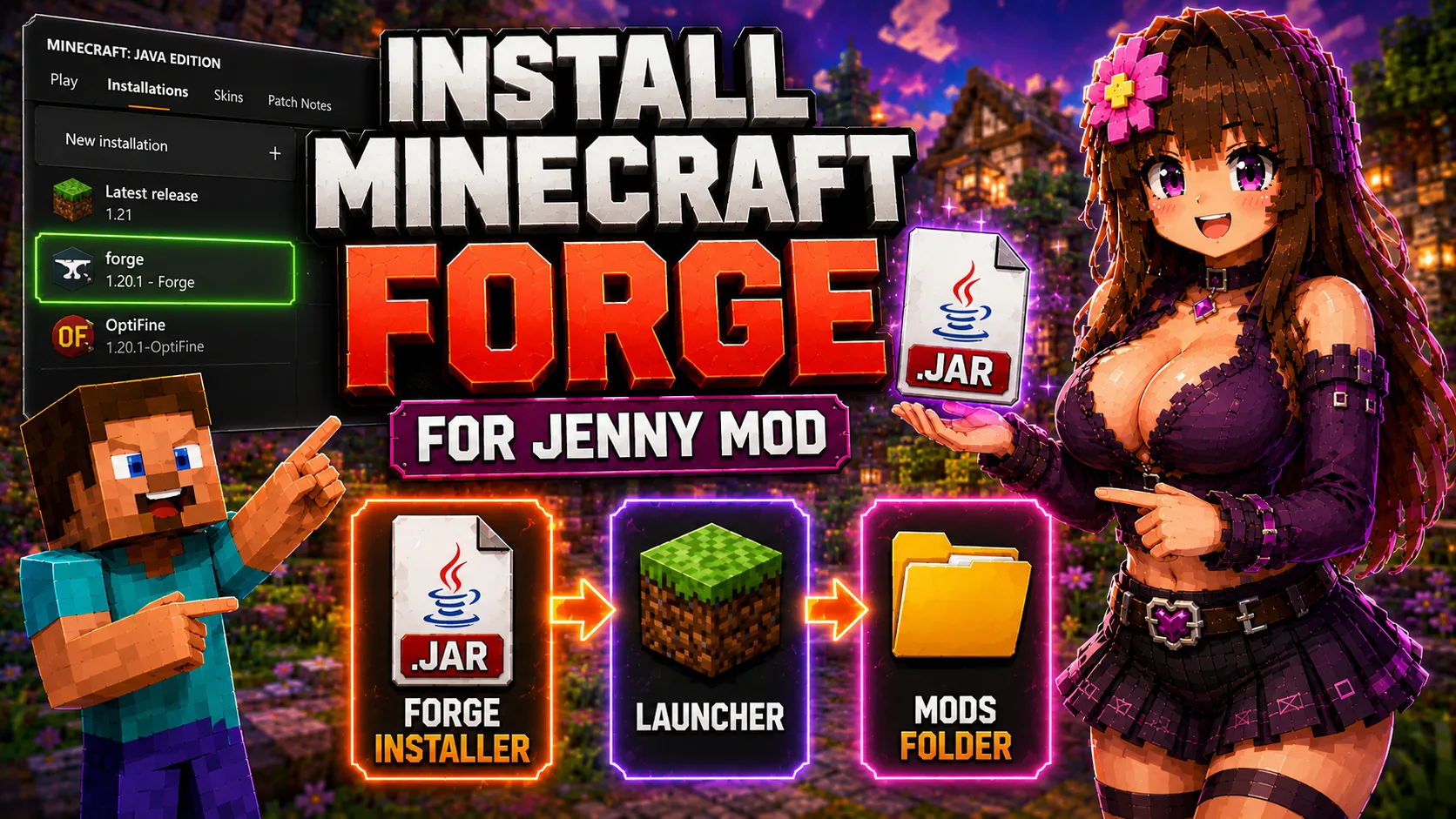
How to Install Minecraft Forge
Minecraft Forge is one of the most common loaders for Minecraft Java mods. The current Jennyhub Java page includes legacy Forge 1.12.2 downloads, so this guide explains how to install Forge correctly before adding Jenny Mod .jar files.
Forge must match the Minecraft version required by the mod. A Forge 1.12.2 mod should run in a Forge 1.12.2 profile. A Forge 1.20.1 mod should run in a Forge 1.20.1 profile.
Related Guides
What You Need
- Minecraft Java Edition installed on your computer.
- The official Minecraft Launcher.
- A Forge installer for the same Minecraft version as your mod.
- The mod .jar file and any required dependencies.
- A clean profile if you are testing an older Forge version such as 1.12.2.
Forge Installation Steps
- Open the official Forge download page.
- Select the Minecraft version required by your mod.
- Download the Forge installer.
- Run the installer and choose Install client.
- Open the Minecraft Launcher.
- Select the new Forge profile.
- Launch Minecraft once so the Forge profile creates the needed folders.
- Close Minecraft and place your mod .jar files into the mods folder.
Installing Jenny Mod Forge 1.12.2
For the direct downloads on Jenny Mod Java, use a Forge 1.12.2 setup. Do not place these files into Fabric, NeoForge, or newer Forge profiles unless a specific page says it is supported.
| File type | Correct loader | Correct version |
|---|---|---|
| .jar Forge 1.12.2 file | Minecraft Forge | Minecraft 1.12.2 |
| .mcaddon Bedrock file | Not Forge | Minecraft PE / Bedrock only |
Where to Put Forge Mods
After Forge is installed and launched once, add .jar files to the mods folder for that Minecraft installation.
- Windows:
%APPDATA%/.minecraft/mods - macOS:
~/Library/Application Support/minecraft/mods - Linux:
~/.minecraft/mods
Forge Troubleshooting
- No Forge profile: run the installer again and choose Install client.
- Crash on launch: check Minecraft version, Forge version, Java version and dependencies.
- Mod not showing: check that you are launching the Forge profile, not vanilla Minecraft.
- Old mod in new profile: keep Forge 1.12.2 files inside a Forge 1.12.2 setup.
Frequently Asked Questions
Is Forge required for every Jenny-related Java mod?
No. Current legacy 1.12.2 files use Forge, but newer builds may use Fabric or another loader.
Can I use Forge mods with Fabric?
No. Forge and Fabric are different loaders. Use the loader required by the mod page.
Where should I put Jenny Mod Forge files?
Place them in the mods folder for the matching Forge profile.
Should I use a separate profile for Forge 1.12.2?
Yes. A separate profile keeps old Forge files away from modern modded setups.
Next Step
After Forge is installed, return to the Jenny Mod Java installation guide and continue with the mod file and dependency steps.