
 By
By 
Jenny Mod Kobold Pack for Minecraft PE/Bedrock
Jenny Mod Kobold Pack for Minecraft PE/Bedrock is a collection of three visual character replacements for the Kobold slot: DeathClaw, FNAF SL Pack, and Velociraptor. Every model is available as a separate HD or Lite resource pack, giving you six .mcpack downloads to choose from.
The packs change Kobold’s model and textures while keeping the character behavior supplied by the base addon. Install the original Jenny Mod first, then activate only one Kobold replacement at a time and place it above the base resources.
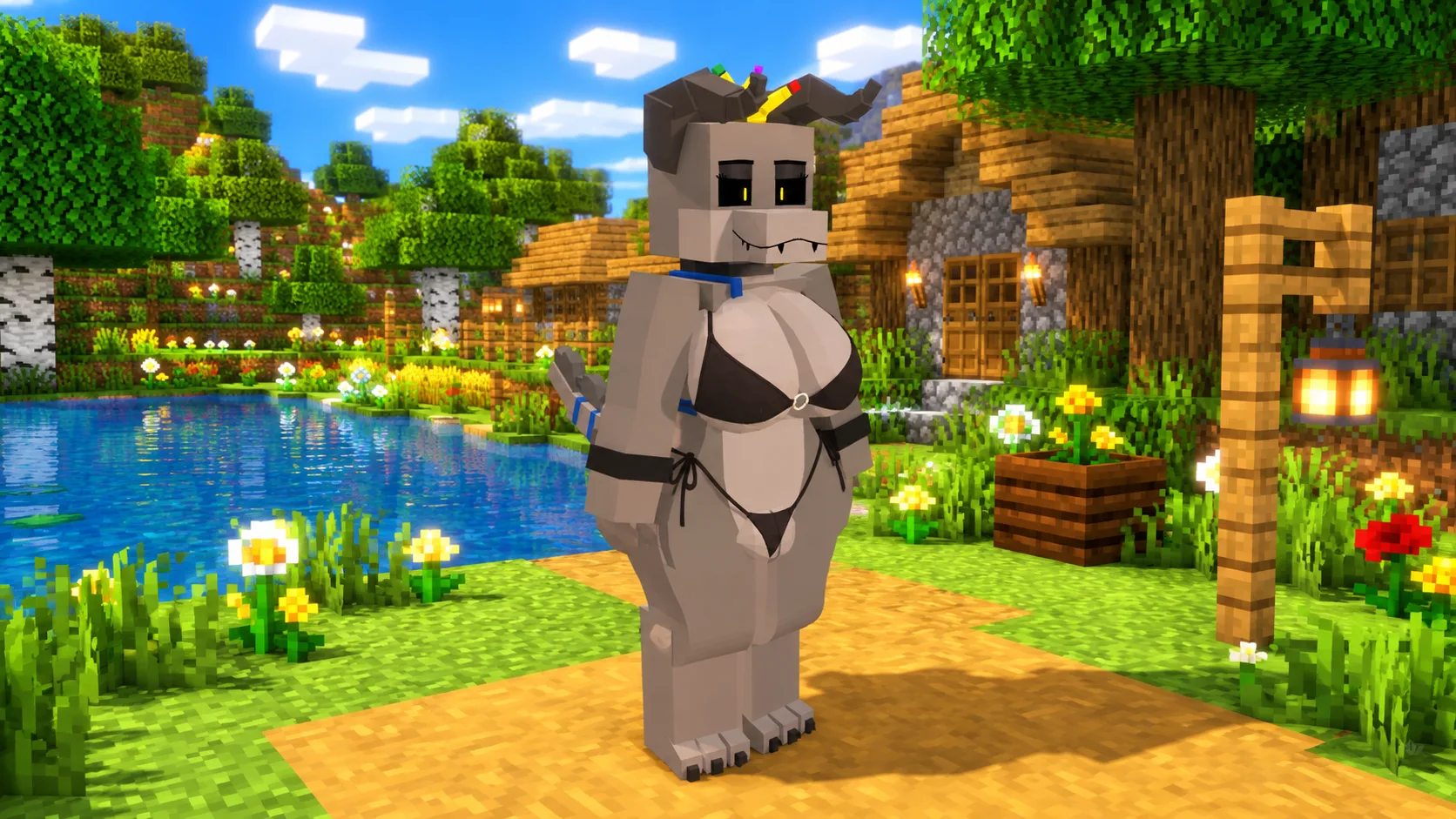
What Is Included in the Kobold Pack?
The download section is organized by quality so you can select the model and edition that suit your device. You do not need to download every file.
- DeathClaw Kobold — a creature-inspired alternative appearance.
- FNAF SL Pack Kobold — a themed character replacement based on the supplied pack.
- Velociraptor Kobold — a dinosaur-inspired visual variant.
- HD and Lite editions for all three models.
- Six individual Bedrock
.mcpackresource-pack downloads.
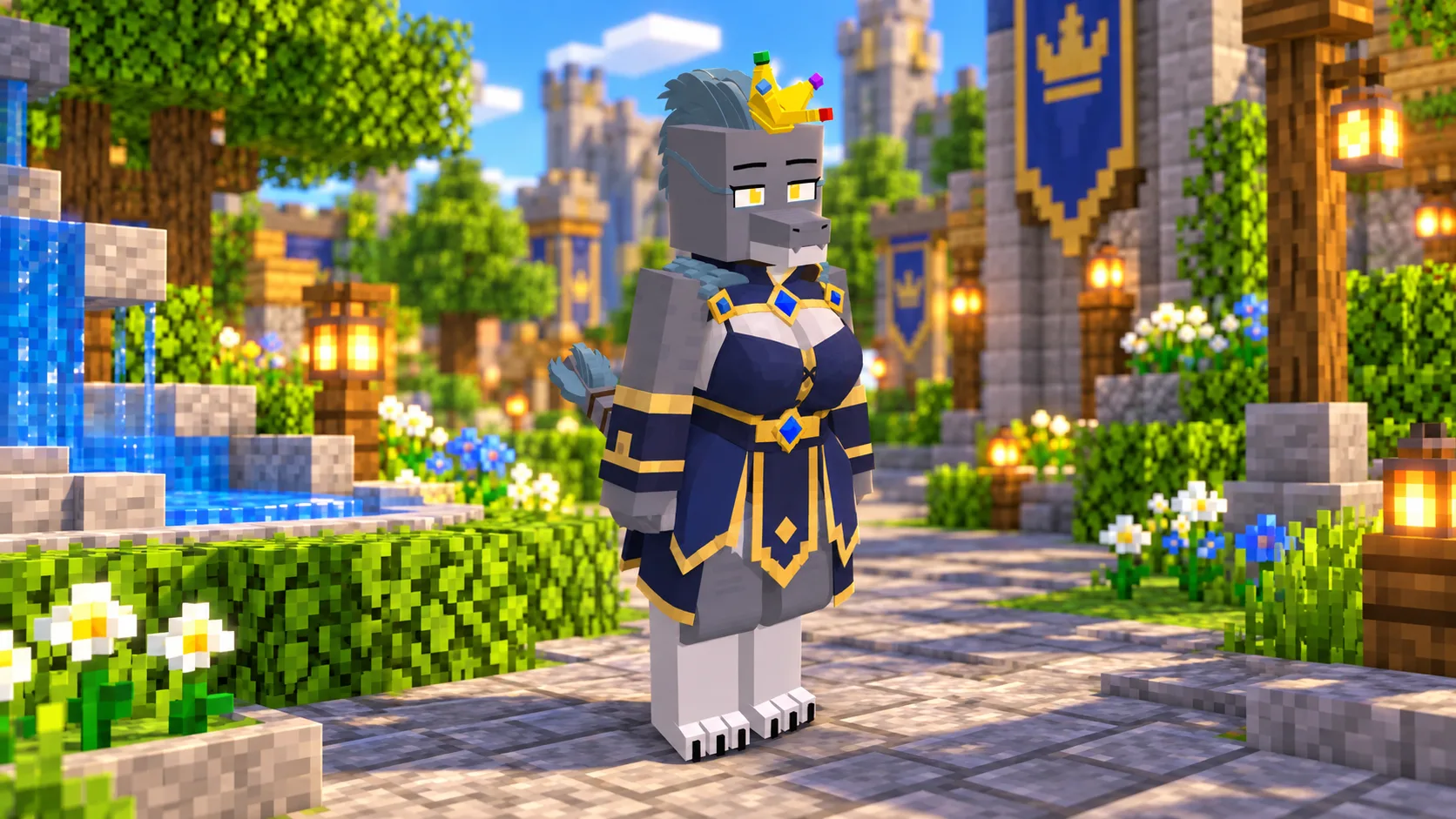
Three Distinct Kobold Model Styles
Each package replaces the same Kobold character slot but uses its own geometry, textures, colors, and costume details. The screenshots provide a visual reference before downloading; appearance can vary slightly with lighting, graphics settings, and the installed Minecraft version.
Because all variants target the same character, enabling several Kobold resource packs together can create conflicts. Keep one selected Kobold pack active and disable the others when changing models.
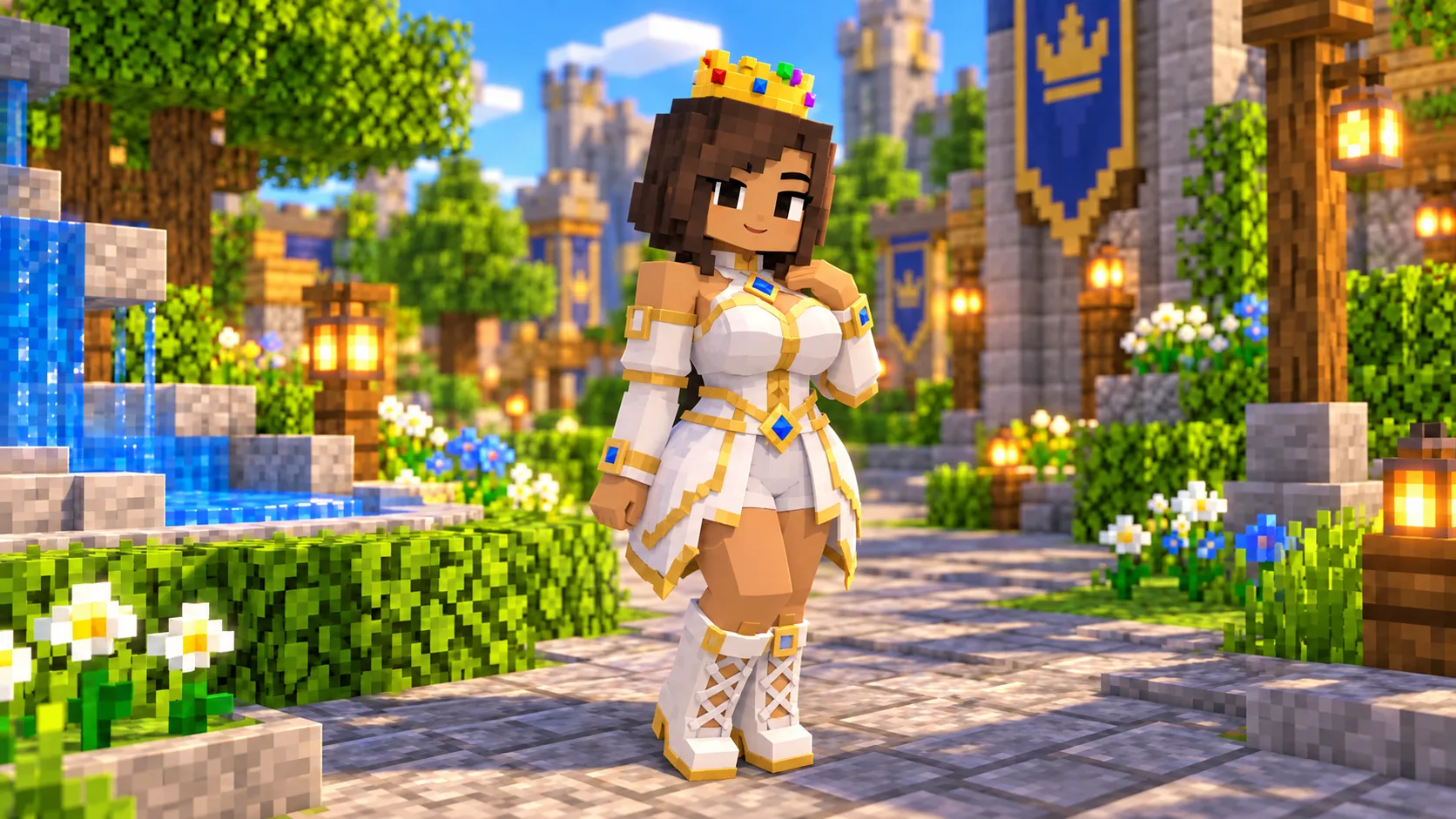
Choose HD or Lite
Choose HD when you want the full visual edition supplied with the model. Choose Lite for a lighter resource profile, especially on phones or tablets where memory and graphics performance are limited. Both editions contain the same three named model choices.
If the HD edition causes slow loading, missing textures, or unstable performance, remove it from the active stack and import the matching Lite file instead.
How to Install a Kobold Resource Pack
- Install the current Jenny Mod for Minecraft PE/Bedrock.
- Download one Kobold model from either the HD or Lite section below.
- Open the downloaded
.mcpackfile with Minecraft and wait for the import confirmation. - Open your world settings, go to Resource Packs, and activate the Kobold pack.
- Place the Kobold resource pack above the base Jenny Mod resources, then load the world.
Compatibility Notes
- The package manifests require Minecraft Bedrock 1.21.0 or newer.
- The base Jenny Mod is required; these downloads are visual resource packs, not standalone addons.
- Use only one Kobold replacement at a time.
- These are Bedrock
.mcpackfiles and are not Java Edition.jarmods. - Back up important worlds before testing community-created packs.
Frequently Asked Questions
How many models are in the Kobold Pack?
There are three models: DeathClaw, FNAF SL Pack, and Velociraptor. Each has an HD and a Lite edition, for six downloads in total.
Is the Kobold Pack a standalone addon?
No. It replaces Kobold’s visual resources and requires the original Jenny Mod for Minecraft PE/Bedrock.
Should I install HD and Lite together?
No. Select one model in one quality edition. Multiple Kobold replacements can override one another.
Which Minecraft version is required?
The included manifests specify Minecraft Bedrock 1.21.0 as the minimum engine version.
Do the packs add new Kobold interactions?
No. They change the model and textures. Interactions and behavior depend on the version of the base Jenny Mod you have installed.
Final Thoughts
Jenny Mod Kobold Pack for Minecraft PE/Bedrock gives you three clearly different Kobold appearances without bundling them into one large download. Compare the previews, choose DeathClaw, FNAF SL Pack, or Velociraptor, then select HD or Lite and activate that single resource pack above the base mod.