
 By
By 
Jenny Mod Allie Pack for Minecraft PE/Bedrock
Jenny Mod Allie Pack for Minecraft PE/Bedrock is a focused collection of custom Allie character variants for Bedrock players. It keeps Allie as the base character while changing her model, outfit, colors, and theme through separate community-made ports.
The collection contains 20 Allie-style models. You can download the complete archive or pick an individual .mcaddon file, which is useful when you only want one look without storing the entire pack on your device.
These downloads are made for Minecraft PE / Bedrock Edition. Although several file names include “Java Port,” the files offered on this page are packaged as Bedrock .mcaddon files.
Who Is Allie in Jenny Mod?
Allie is the genie-themed character from Jenny Mod. Her original character concept is tied to a magical lamp, wishes, and rare rewards, which gives her a different fantasy identity from the other base characters. In supported versions, the lamp is associated with dungeon and desert-temple exploration before Allie can be summoned.
This pack does not change the basic role of the Allie slot. Instead, it gives that slot a wider selection of visual styles, ranging from fantasy and horror-inspired designs to seasonal and game-inspired variants.
What Is Included in the Allie Pack?
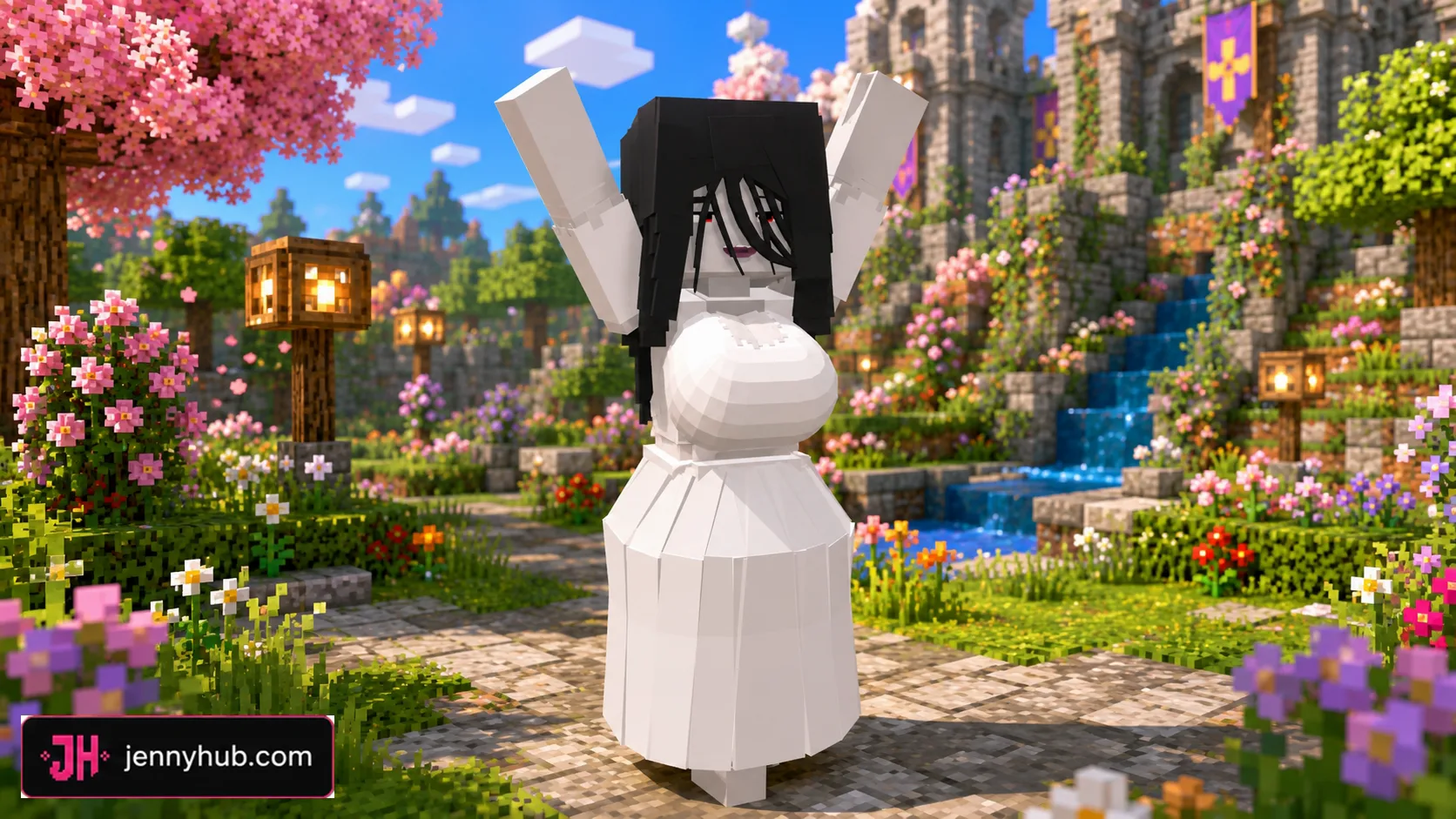
The download section contains one all-in-one ZIP archive followed by 20 separate Allie variants. The collection includes FNAF SL Pack, Haloweenie, Hex Maniac, Hex Mother, Jenny, Lakitu, Marionette, Minotaur, Nier Automata 2, Perona, Sadako, Tara, seasonal SlipperyT variants, and several other custom looks.
- 20 separate Allie models packaged for Minecraft PE and Bedrock.
- One complete archive for players who want the entire collection.
- Individual
.mcaddondownloads for smaller, selective installs. - Fantasy, horror, seasonal, anime-inspired, and game-inspired designs.
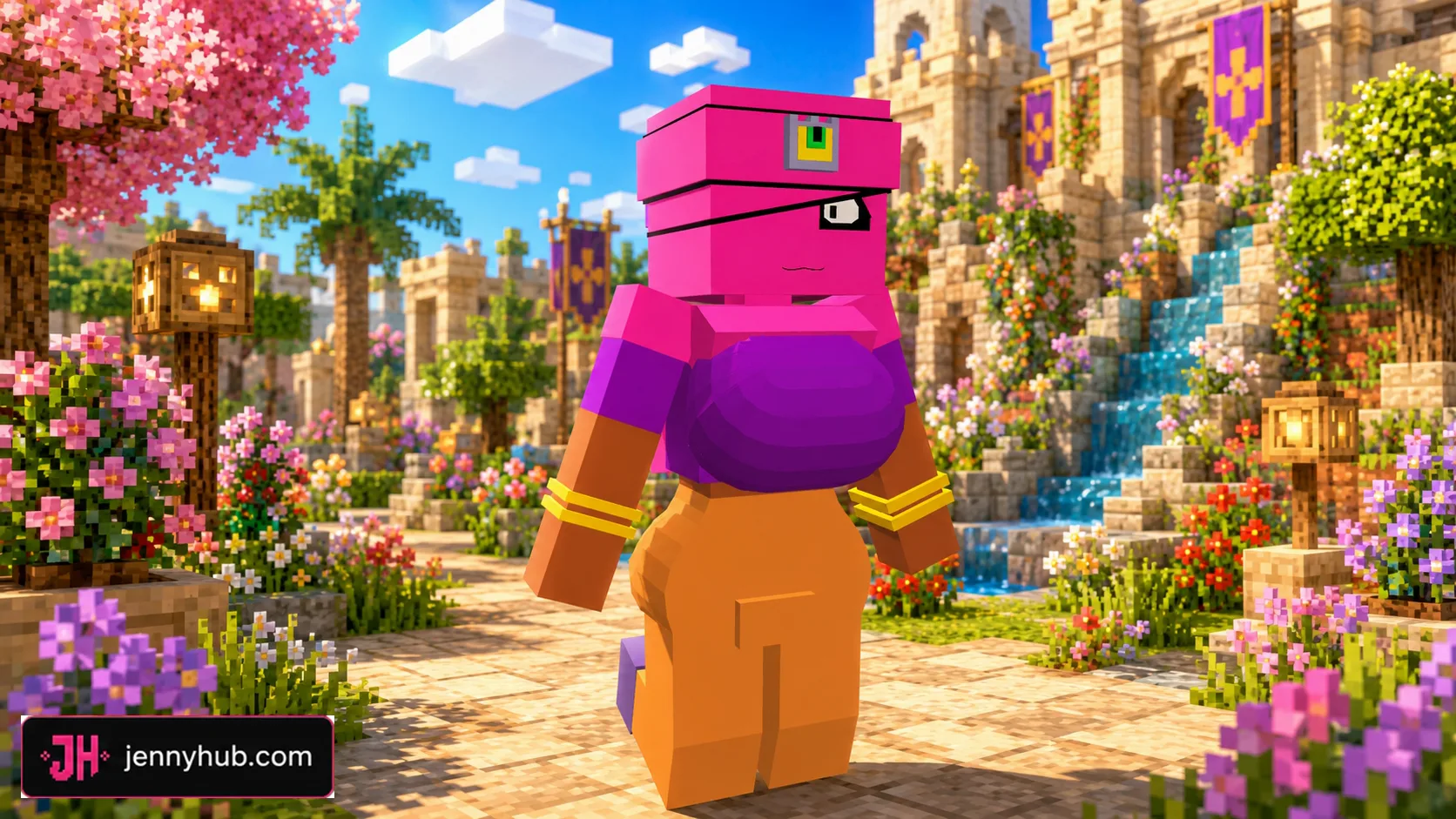
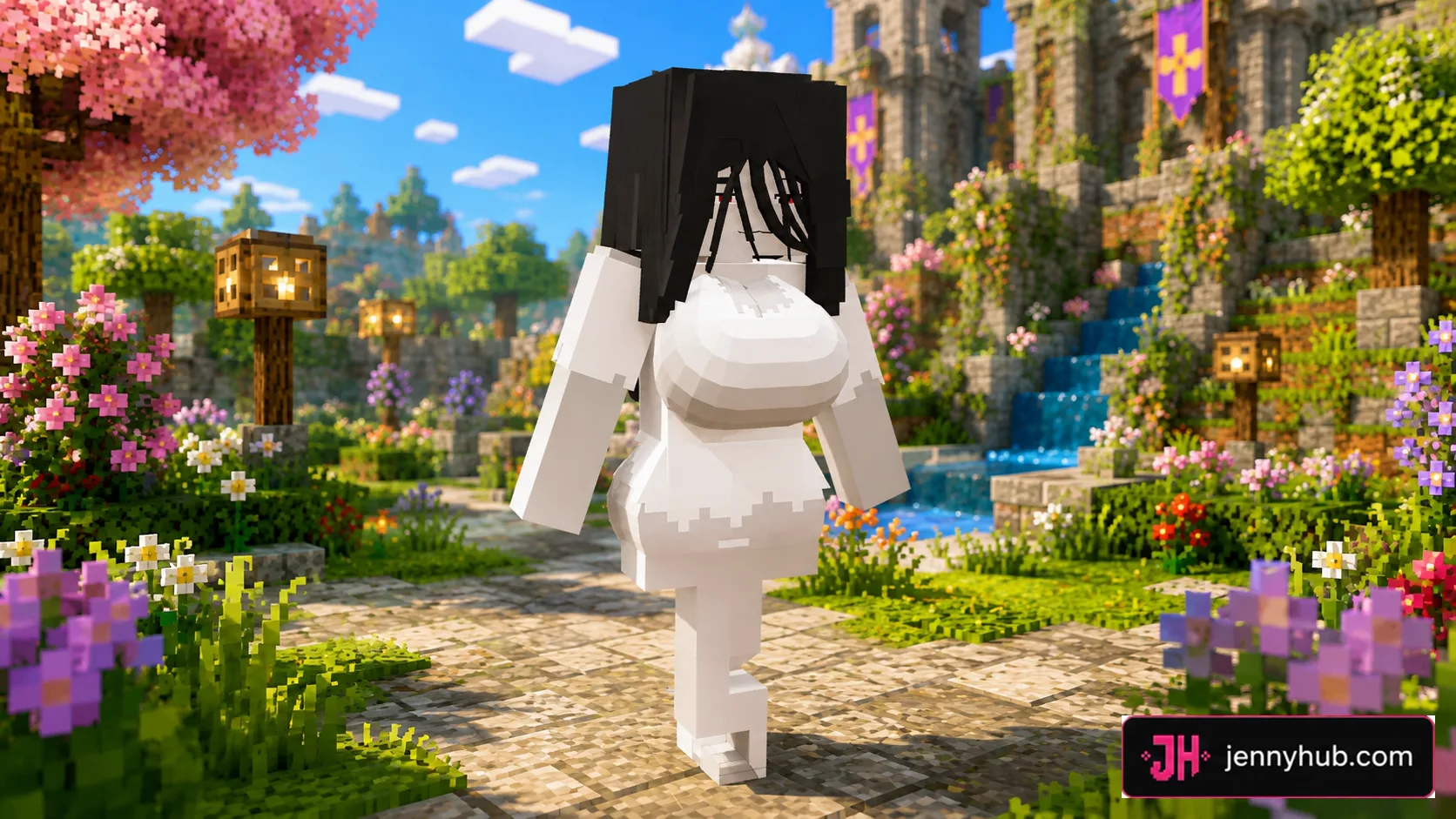
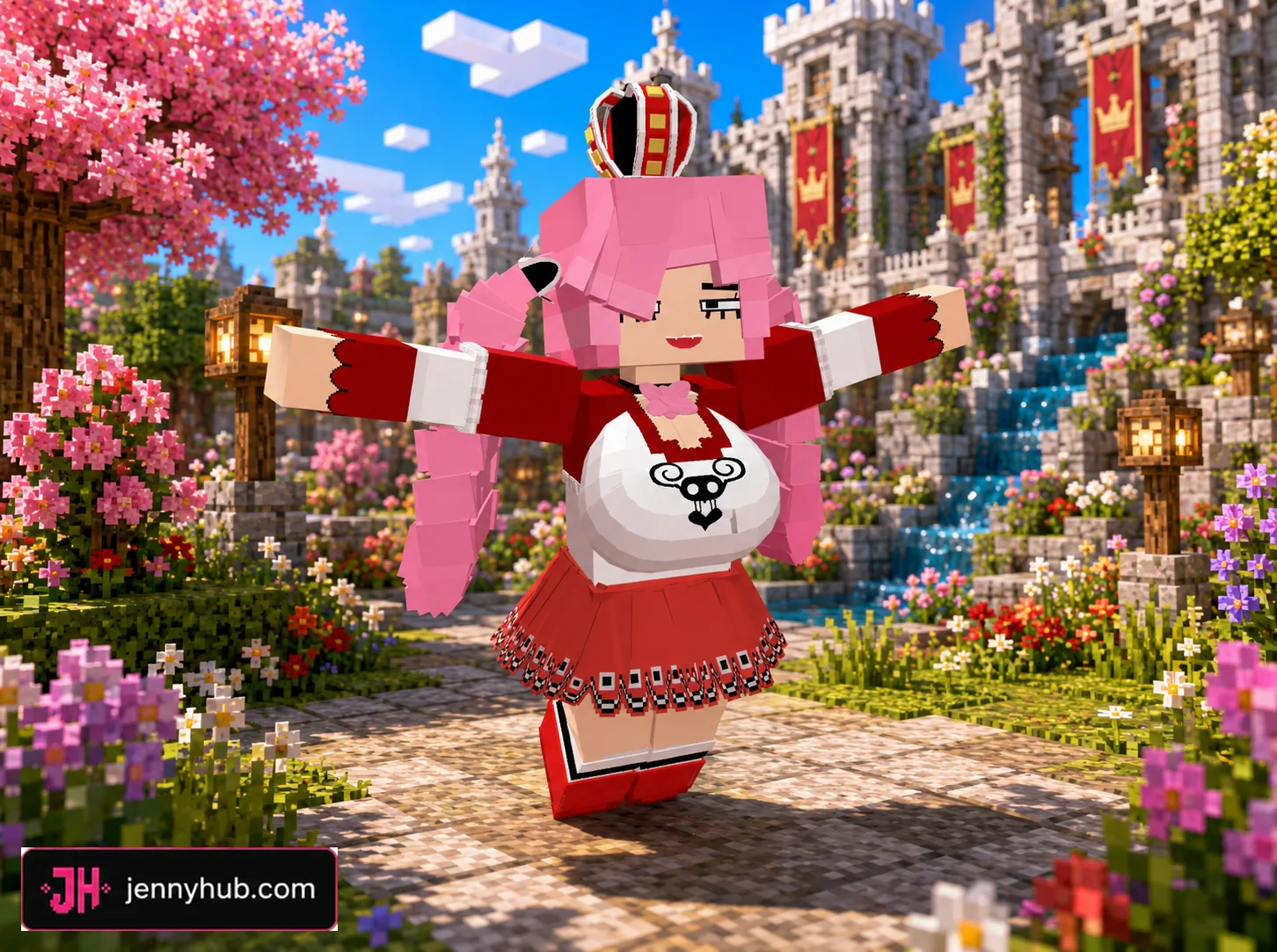
- 18 in-game screenshots showing selected models from the pack.
Selected Allie Model Previews
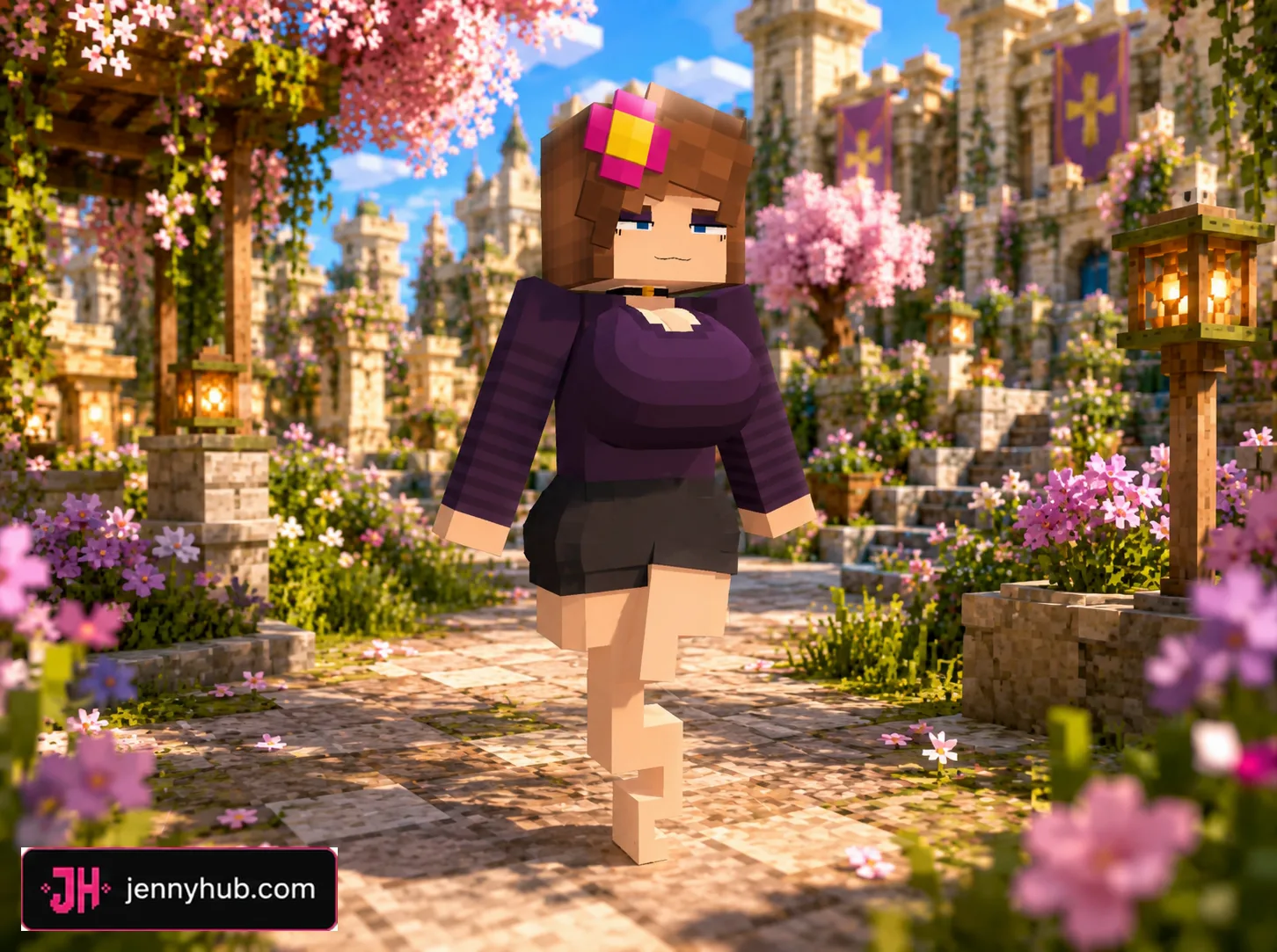
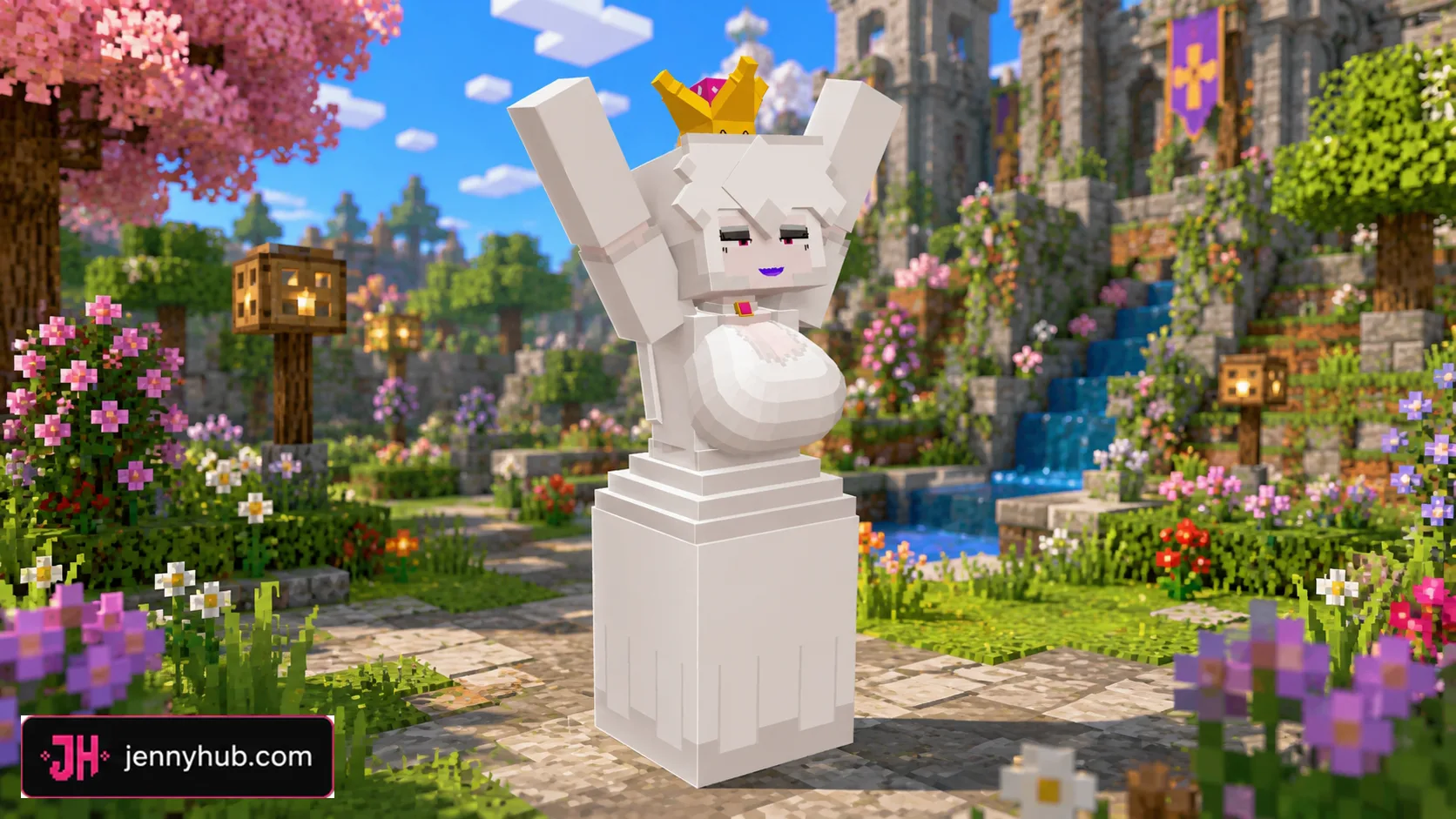
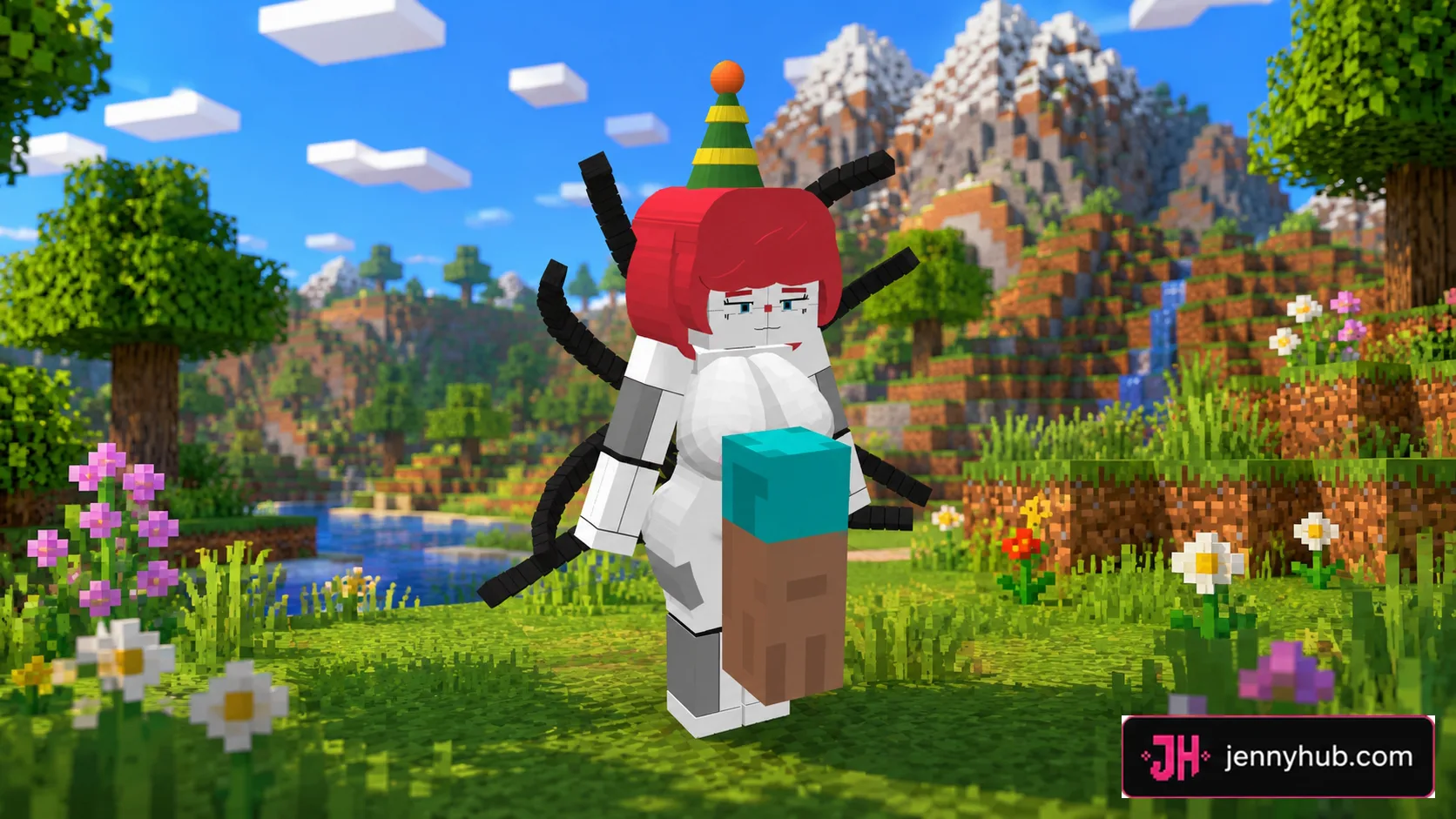
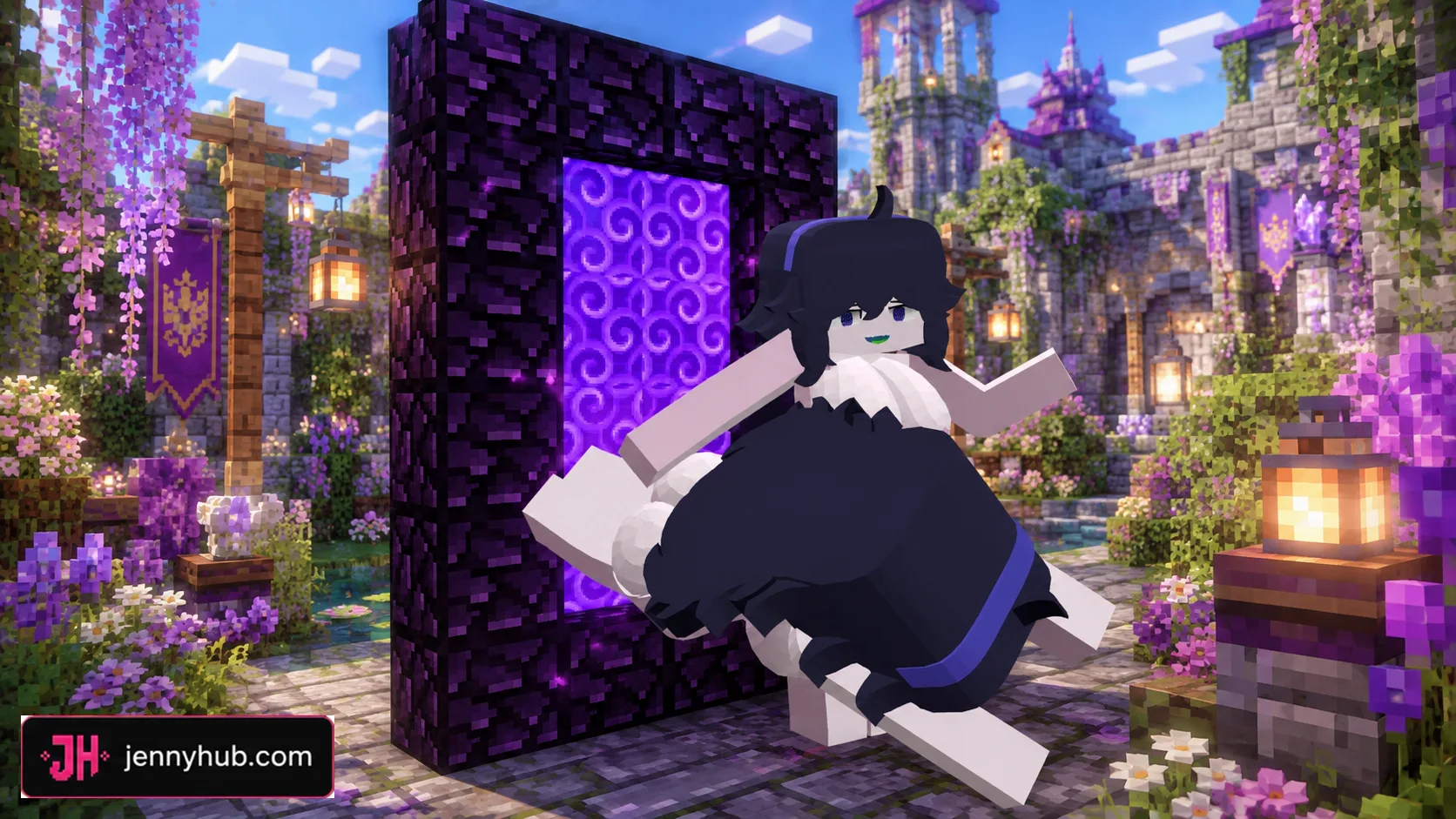
The screenshots below show how different Allie replacements look in Bedrock gameplay. Model proportions and image framing vary because the pack combines work from several character themes, but every preview belongs to the collection available on this page.


Fantasy, Horror and Seasonal Variants
Allie’s genie theme works especially well with supernatural character designs. The pack includes darker horror-inspired looks, witch and ghost-style variants, Marionette designs, and seasonal Christmas models alongside brighter fantasy options.
Because each file is separate, you can test one design at a time and switch to another later without downloading every model again.




Anime and Game-Inspired Allie Models
Several models borrow broad visual ideas from anime, games, and internet character culture. They are presented as unofficial Allie-style community variants rather than official character releases. This mix gives the pack more variety than a single default replacement.


Download All 20 Mods or Choose One
The first item in the Download section is the complete All 20 Mods archive. Choose it if you want to keep the full collection and compare the files yourself. If you already know which design you want, use one of the separate .mcaddon entries below it.
For normal play, start with one individual model. Many files target the same Allie character slot, so enabling several replacements together can create conflicts or make it unclear which resource pack is active.


How to Install Jenny Mod Allie Pack
- Download the complete archive or one individual Allie
.mcaddonfile. - If you downloaded the ZIP archive, extract it and choose one model first.
- Open the selected
.mcaddonfile with Minecraft PE / Bedrock Edition. - Wait for the resource and behavior packs to finish importing.
- Create a test world or open the settings for an existing world.
- Enable the imported resource pack and behavior pack when both are provided.
- Enable any experimental options required by your Bedrock version.
- Start the world and check the Allie character model in-game.
Installation and Compatibility Tips
- Test one Allie replacement at a time.
- Deactivate older Allie packs before enabling a new variant.
- Use a new test world before adding the model to an important save.
- If the character keeps the old appearance, move the new resource pack above conflicting packs.
- If import fails, remove the incomplete pack and open the
.mcaddonagain. - Back up important worlds before testing community addons.
Compatibility can vary between the 20 models and between Bedrock releases. A model that was built for an older pack structure may need a clean world or different experimental settings. These files are not Java .jar mods.
Frequently Asked Questions
How many models are in the Jenny Mod Allie Pack?
The collection contains 20 separate Allie character models plus one ZIP archive containing the complete set.
Is the Allie Pack for Minecraft PE or Java?
The downloads on this page are .mcaddon files for Minecraft PE / Bedrock Edition. “Java Port” in a file name describes the model’s origin, not the format you install.
Do I need to download the 616 MB archive?
No. The full archive is optional. Every Allie model is also listed separately, so you can download only the variant you want.
Can all 20 Allie models be enabled together?
It is better to enable one replacement at a time because multiple files may use the same Allie character and resource-pack slots.
Why is my Allie model not changing?
Check that the correct behavior and resource packs are active, disable conflicting Allie packs, and move the selected resource pack higher in the world’s pack list.
Where is Allie normally found?
Allie is associated with a magical lamp that can appear in dungeons or desert temples in supported Jenny Mod versions. Exact behavior can differ between versions and ports.
Final Thoughts
Jenny Mod Allie Pack for Minecraft PE/Bedrock is designed for players who want more than one look for the genie-themed character. With 20 separate models, a complete archive, individual downloads, and in-game previews, it is easy to choose a single Allie variant and test it without downloading unnecessary files.